
Knowing a word’s reading and entering its characters are related skills, but they ask for different input. This routine starts with a Pinyin exercise, uses feedback to correct the written tone, and finishes by selecting the same word in the keyboard. You can practise without a timer or an account.
Recall the reading before opening a hint
Open Pinyin practice. A fresh session begins with 你好, meaning “hello.” Enter ni3 hao3 in Your Pinyin and choose Check answer. Marked nǐ hǎo is also accepted.
Keep the syllables separated while learning. Numbered input is convenient without accented keys; the small Insert buttons can add tone numbers or ü at the caret. Check the whole answer after using one.
This exercise asks for dictionary Pinyin, including tones. Plain nihao is useful later in the Chinese keyboard, but it is incomplete here. Our test confirmed that the exercise reports its missing written tones rather than accepting the letters alone.
Use one correction to understand the task
Consider the trial ni2 hao3. The checker says the letters are right and asks you to check the dictionary tone of syllable 1. Change the first digit: ni3 hao3 is accepted, with Correct! nǐ hǎo — ready for the next word.
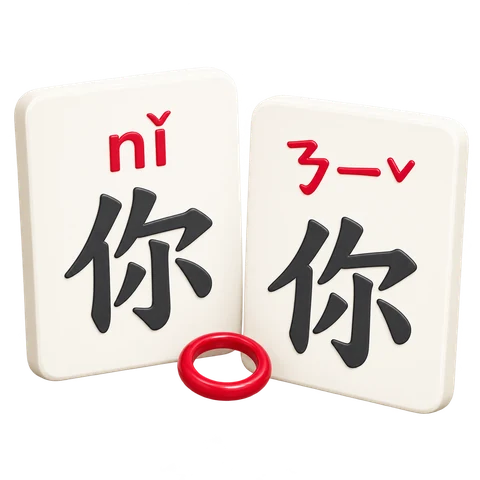
Why might the second-tone guess feel familiar? In a spoken pair of third tones, the first normally becomes rising while its written dictionary tone remains third. See PolyU’s explanation of tone changes. This exercise checks the written reading, not an audio performance.
Completed includes a word you corrected successfully. Unaided first check counts a correct first answer without opening Reading hint. Our corrected 你好 trial showed 1 / 20 completed and 0 unaided first checks.
A corrected word is worth practising again, even though it is already completed. The counters describe how you answered in this session, not a permanent assessment of your Mandarin.
Turn a hint into a focused review
Choose Next word to reach 中國. Open Reading hint if needed. It shows zhōng guó, zhong1 guo2 and the Zhuyin connection ㄓㄨㄥ ㄍㄨㄛˊ. Enter the numbered reading and check it.
A successful answer after a hint adds to Completed but not Unaided first check. The Review the words section below also lets you open individual readings for slower study. Try recalling each word before revealing its answer.
Review one difficulty at a time. Use Pinyin sound chart for initials and finals, or Pinyin tones for written tone placement. Return to a few words afterward instead of rushing through the entire set.
Listen uses an installed local Mandarin voice when the browser provides one. It may be disabled without that voice; spelling practice still works. Synthetic speech is a listening aid. The page does not record you or score your spoken pronunciation.
Transfer the word to the Chinese keyboard
Open the Pinyin keyboard. Enter nihao in Input code, below the editor. Choose 你好 from the candidates. Our lookup offered it alongside other written choices; selecting it inserted exactly 你好.
Keep the letters joined for this lookup: pressing Space can choose the first candidate before you finish. Click the intended word directly, or use Alt plus its displayed number. Ordinary number keys remain available for tone input.
Read the characters before using Copy text. For a mistaken candidate, use Undo and try again. The Pinyin typing lesson explains the complete workflow.
For a short routine, recall three readings, review one difficulty, then type one word correctly. Repeat with another group next time. This connects spelling, tone knowledge and character selection while keeping their input rules clear.
Common questions
Do first-tone syllables need a mark?
Yes here: use a macron or 1. Only neutral syllables can be left unmarked; 5 and 0 also represent neutral tone.
Can I practise without JavaScript?
Interactive checking needs JavaScript. The word list and its expandable readings remain available for self-study.
Will my progress be there tomorrow?
These are page-session counters. Leaving or reloading can lose them. Restart session explicitly clears them and returns to the first word.
Can I paste marked answers into the keyboard too?
The checker accepts tone marks, but the character keyboard has different lookup rules. Begin with tone-free letters there and review the candidates.
Make one reading more familiar.
Try a word, understand the feedback, then use it in the keyboard.