


Pinyin
拼音Type Mandarin with Roman letters. Learn the sounds and tones, then turn familiar syllables into Chinese characters.
Pinyin keyboardYour home for Zhuyin typing and learning.
Explore Pinyin, Cantonese and Cangjie, too.
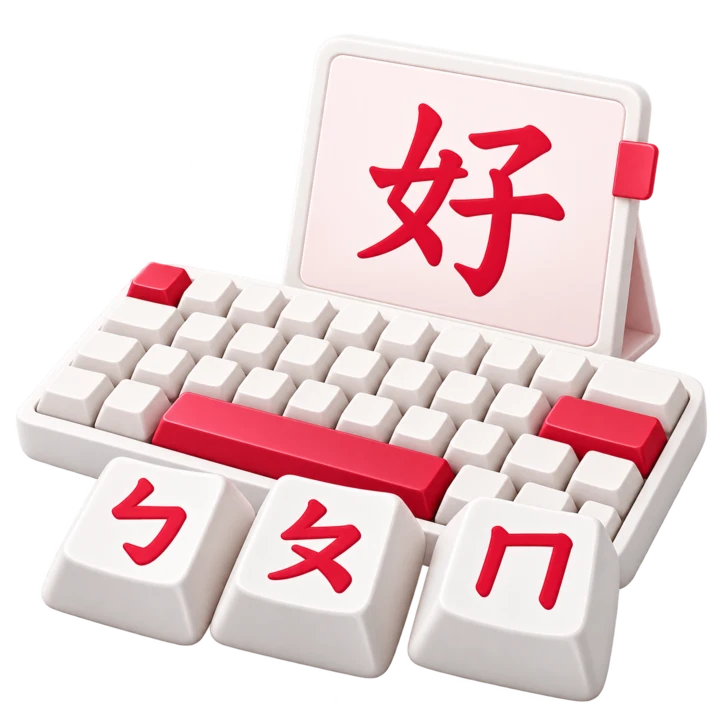
Turn Bopomofo symbols into Chinese characters.
Use the on-screen keys or your keyboard. Try ㄋㄧ for the sound ni.
Add ˇ to make ㄋㄧˇ. Tone marks help narrow down the choices.
Select 你 from the candidates. Keep typing, then copy or save your text.
Turn Bopomofo symbols into Chinese characters.
Zhuyin, also called BoPoMoFo, represents Mandarin sounds with phonetic symbols. Use the on-screen keys or the standard Dachen key positions on your physical keyboard, then choose the Chinese characters you need.
Start with a short reading such as ㄋㄧˇ. As you grow more confident, enter several syllables, review phrase suggestions, and revise individual words before adding them to your text.
Meet the 37 Zhuyin symbols, connect sounds and tones, and put them to work. Our short lessons and practice activities help you build one skill at a time.
Start learning ZhuyinUse familiar letters, Cantonese sounds or character shapes.
Each keyboard has its own lessons, reference charts and practice.
Type Mandarin with Roman letters. Learn the sounds and tones, then turn familiar syllables into Chinese characters.
Pinyin keyboardType Cantonese using Jyutping. Explore its sounds, six tone numbers and useful phrases with guided practice.
Cantonese keyboardType Chinese from character shapes. Get to know the root keys, look up full codes and practice building them in order.
Cangjie keyboardLook up a reading, check a tone or make something to study.
The keyboard composes your text in your browser. You can copy it, download it or clear it when you are done. Drafts and learning preferences are saved locally in the browser you use.
External searches send the text you choose to the selected search provider. The live site also uses advertising and analytics services. Our privacy policy explains those services and your choices.
Read our Privacy PolicyYes. The keyboards, learning pages, practice exercises and reading tools are free to use. Advertising helps support the website.
No. Open a keyboard or tool in your browser and start using it. Drafts and saved Zhuyin phrases stay in that browser rather than an online account, so export anything you want to keep as a backup.
Choose Zhuyin if you use Bopomofo symbols, or Pinyin if you prefer Roman letters for Mandarin sounds. The Cantonese keyboard uses Jyutping. Cangjie uses character shapes and root keys instead of pronunciation.
Yes. Tap the on-screen keys and choose a suggested Chinese character. You can also use a physical keyboard when one is available. No special keyboard software needs to be installed.
Typing and reading tools process text in your browser, and the keyboard saves drafts locally. Dictionary downloads can reflect your lookups. Opening an external search sends text to that provider, and live pages also use advertising and analytics services.
Read the Privacy PolicyStart with the Bopomofo chart to meet the 37 symbols, then explore tone marks and follow the first typing lesson. The practice page gives you hints while you build confidence with familiar words.
Start learning Zhuyin